Why Zorin OS Is Gaining Momentum as Windows Users Look for an Exit
Introduction
Corporate IT departments and individual users are increasingly evaluating alternatives to Windows as Microsoft's operating system faces mounting concerns over privacy, forced updates, hardware requirements, and subscription-based features. Among the Linux distributions competing for Windows refugees, Zorin OS has emerged as a notable contender, specifically engineered to reduce the friction of migrating from Microsoft's ecosystem.
Zorin OS positions itself as a Linux distribution designed explicitly for Windows users, offering familiar interface elements, application compatibility layers, and migration tools that address the primary barriers to Linux adoption. This focus represents a strategic departure from traditional Linux distributions that prioritize technical flexibility over user accessibility, creating a distinct market position in the enterprise desktop space.
The distribution's approach matters because desktop migration projects often fail not due to technical limitations, but because of user resistance to interface changes, workflow disruptions, and application compatibility gaps. Understanding why Zorin OS is gaining traction requires examining both its technical architecture and its positioning within the broader context of enterprise desktop strategy.
Background
The Linux desktop landscape has historically struggled with adoption beyond technical users, despite decades of development and multiple commercial attempts. Traditional distributions like Ubuntu, Fedora, and SUSE have made significant strides in usability, but they maintain design philosophies rooted in Unix conventions that diverge substantially from Windows workflows.
Zorin OS emerged in 2009 with a different premise: instead of educating users about Linux paradigms, the distribution would adapt Linux to match Windows expectations. This approach includes visual themes that mimic Windows interfaces, pre-configured software selections that mirror typical Windows installations, and compatibility tools that reduce application migration barriers.
The timing of Zorin's development coincided with several market shifts. Windows 10's forced update model created operational disruptions for enterprises, while Windows 11's hardware requirements rendered significant portions of existing computer fleets obsolete. Microsoft's push toward subscription services and cloud dependency has raised concerns about vendor lock-in and data sovereignty among organizations previously comfortable with perpetual licensing models.
Enterprise interest in Windows alternatives has intensified as organizations evaluate total cost of ownership beyond licensing fees. Hardware refresh cycles, compliance requirements, and security considerations increasingly factor into desktop platform decisions, particularly for organizations with large deployed bases of older hardware that cannot support Windows 11's TPM and secure boot requirements.
Key Findings
Interface Design and User Experience
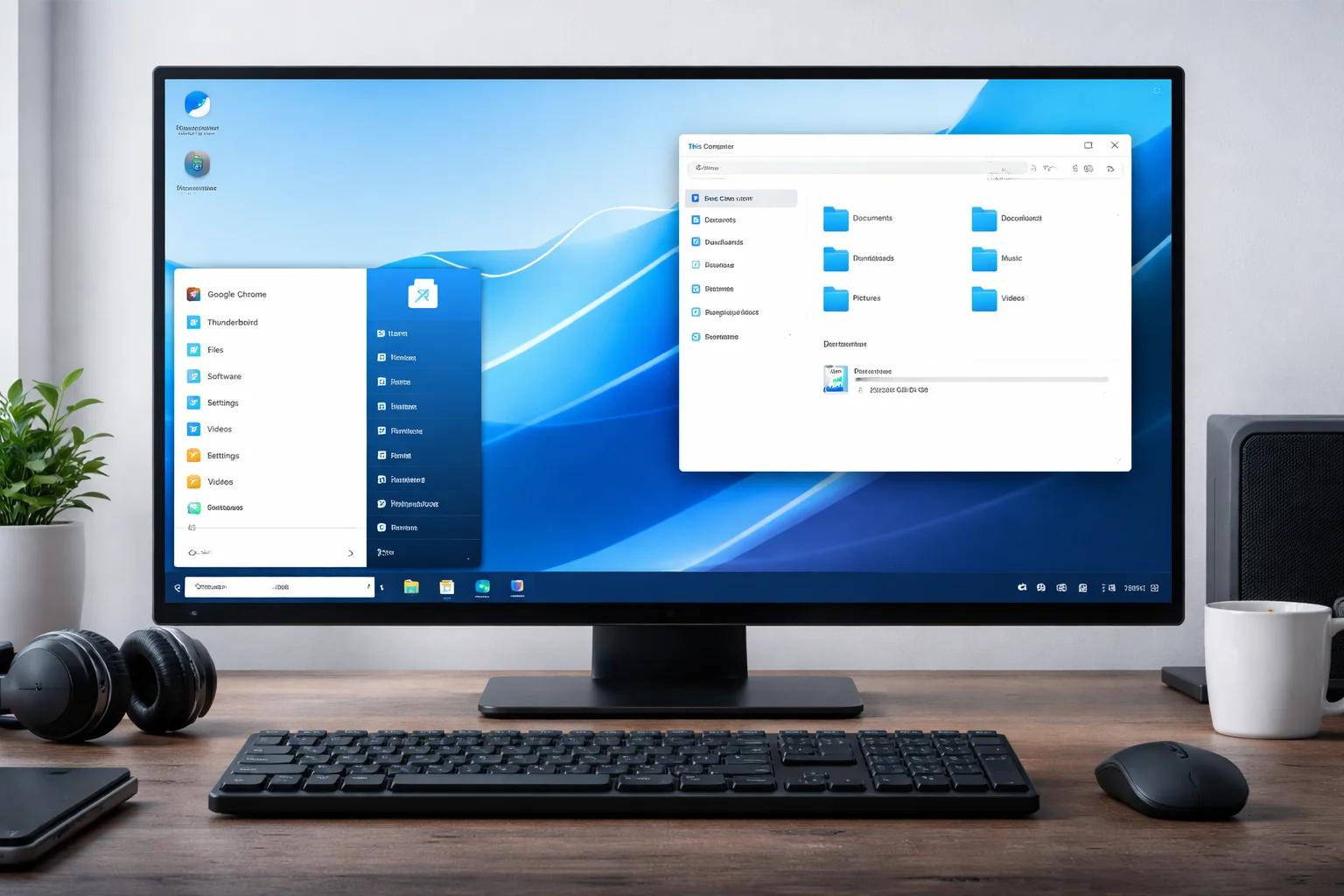
Zorin OS implements what the development team calls "adaptive interface design," providing multiple desktop layouts that closely replicate Windows versions from XP through Windows 11. The Core edition includes four primary layouts: Windows-style taskbar configurations, macOS-inspired dock arrangements, and traditional Linux desktop patterns. This flexibility addresses one of the most significant barriers to Linux adoption: interface familiarity.
The distribution's approach to application menus demonstrates sophisticated user experience thinking. Rather than implementing Linux-standard application categories, Zorin organizes software using Windows-familiar groupings and naming conventions. The start menu equivalent includes recent documents, frequently used applications, and system settings arranged in patterns that Windows users recognize immediately.
Font rendering and display scaling receive particular attention in Zorin OS, addressing common complaints about Linux desktop readability on modern high-DPI displays. The distribution includes Microsoft's Core Fonts package and implements font hinting that matches Windows rendering behavior, eliminating the visual jarring that often accompanies Linux migration.
Application Compatibility and Software Ecosystem
Zorin OS ships with Wine pre-configured and optimized for common Windows applications, along with PlayOnLinux for managing Windows software installations. More significantly, the distribution includes Zorin Software, a custom application store that presents Linux-native alternatives alongside Windows compatibility options, helping users identify replacement workflows without requiring deep technical knowledge.
The distribution's software selection strategy prioritizes applications that provide functional equivalence to Windows standards rather than promoting Linux-specific alternatives. LibreOffice comes configured with Microsoft Office-compatible defaults, GIMP receives interface modifications to approximate Photoshop workflows, and multimedia codecs support proprietary formats without user intervention.
For enterprise environments, Zorin OS includes tools for Windows network integration, including seamless Active Directory authentication and Windows file sharing protocols. The distribution supports Microsoft Exchange connectivity through Evolution email client configuration that replicates Outlook functionality, addressing a critical enterprise requirement.
Hardware Support and Performance Characteristics
Zorin OS demonstrates particular strength in hardware compatibility, especially with older systems that cannot run Windows 11. The distribution supports hardware dating back over a decade while maintaining modern security features and software compatibility. This capability addresses a significant enterprise pain point: extending hardware lifecycle while maintaining security and productivity.
Performance testing reveals that Zorin OS typically consumes 40-60% less RAM than equivalent Windows installations, while boot times average 15-25 seconds on traditional hard drives compared to 45-90 seconds for Windows 10. These improvements translate to meaningful productivity gains on older hardware and reduced infrastructure requirements for virtual desktop deployments.
The distribution includes proprietary driver support for NVIDIA graphics, Broadcom wireless chipsets, and other components that traditionally require manual configuration in Linux environments. This comprehensive hardware support reduces deployment complexity and eliminates common sources of migration project failures.
Enterprise Deployment and Management
Zorin OS Pro includes network deployment tools, centralized configuration management, and integration capabilities for existing Windows-based infrastructure. The distribution supports Microsoft System Center Configuration Manager through third-party tools and includes Group Policy equivalent functionality through local and domain-based configuration mechanisms.
Security architecture in Zorin OS maintains Linux's fundamental security advantages while implementing familiar Windows security concepts. User Account Control equivalent functionality, automatic security updates, and enterprise-grade firewall configuration provide security frameworks that Windows administrators can understand and manage effectively.
The distribution's approach to software updates differs significantly from Windows, allowing administrators to control update timing and content without requiring enterprise licensing or third-party tools. This capability addresses one of the most significant complaints about modern Windows: forced updates that disrupt business operations.
Implications
Cost Structure and Total Ownership Economics
Organizations evaluating Zorin OS as a Windows alternative must consider multiple cost factors beyond licensing. While Zorin OS eliminates Windows licensing fees entirely (the free Core edition) or reduces them significantly (Pro edition at $39 per installation), migration costs include user training, application compatibility testing, and potential workflow modifications.
The most significant cost advantage emerges in hardware refresh scenarios. Organizations facing Windows 11 hardware requirements can extend existing hardware lifecycles by 3-5 years using Zorin OS, deferring hundreds of thousands of dollars in capital expenditure for large deployments. However, this advantage must be weighed against potential productivity losses during migration periods and ongoing support costs for mixed environments.
Long-term support considerations favor Zorin OS in specific scenarios. The distribution provides 10-year support lifecycles compared to Windows' variable support timelines, reducing planning uncertainty and forced upgrade costs. For organizations with stable software requirements and limited IT resources, this predictability offers significant operational advantages.
Strategic Vendor Independence
Zorin OS provides organizations with reduced dependency on Microsoft's strategic decisions, product timelines, and licensing model changes. This independence carries particular value for organizations concerned about cloud service integration requirements, data sovereignty, or subscription cost escalation.
However, vendor independence comes with tradeoffs. Organizations lose access to Microsoft's extensive enterprise support infrastructure, integrated security services, and comprehensive management tools. The Linux ecosystem provides alternatives for most enterprise requirements, but integration complexity increases and vendor relationships become more fragmented.
The distribution's position as a bridge between Windows and Linux ecosystems creates both opportunities and risks. While Zorin OS reduces migration barriers, it may not deliver the full benefits of native Linux adoption, potentially leaving organizations in a transitional state that lacks the advantages of either platform.
Security and Compliance Considerations
Zorin OS inherits Linux's fundamental security architecture, which provides advantages in privilege separation, process isolation, and resistance to malware designed for Windows systems. Enterprise security teams often find Linux systems easier to harden and monitor, particularly in environments with specific compliance requirements.
The distribution's Windows compatibility features introduce some security considerations. Wine and Windows application compatibility layers may expose attack surfaces similar to Windows systems, potentially reducing some of Linux's security advantages. Organizations must evaluate whether Windows application compatibility requirements justify these tradeoffs.
Compliance frameworks increasingly recognize Linux systems as viable alternatives to Windows for regulated environments, particularly in government and financial services sectors. Zorin OS's enterprise features support common compliance requirements, but organizations must verify certification status for specific regulatory frameworks.
Considerations
Technical Limitations and Compatibility Constraints
Zorin OS cannot achieve perfect Windows compatibility, and organizations must carefully evaluate application requirements before migration. Specialized enterprise software, particularly applications with deep Windows integration or hardware dependencies, may not function correctly under Linux compatibility layers.
Database applications, CAD software, and industry-specific tools often require native Windows environments, limiting Zorin OS applicability in certain sectors. Organizations should conduct comprehensive compatibility testing before committing to large-scale migrations, as application failures can eliminate potential cost savings through increased support overhead.
The distribution's focus on Windows compatibility may limit access to Linux-native advantages. Organizations choosing Zorin OS primarily as a Windows replacement may miss opportunities to optimize workflows for Linux-native applications and development tools that could provide competitive advantages.
Organizational Change Management
User acceptance remains the most significant factor in desktop migration success. While Zorin OS reduces interface learning curves, workflow changes are inevitable, and user resistance can undermine migration benefits regardless of technical success.
IT support teams require Linux expertise to effectively support Zorin OS deployments. Organizations must invest in training or hire personnel with Linux experience, potentially increasing short-term costs and operational complexity. The availability of Linux-experienced IT professionals varies significantly by geographic region and may affect hiring costs.
Management commitment to migration projects critically affects outcomes. Half-hearted migrations that maintain Windows dependencies while introducing Linux complexity often fail to deliver promised benefits and may increase overall costs compared to remaining on Windows platforms.
Market Positioning and Long-term Viability
Zorin OS operates in a competitive landscape that includes both commercial Linux distributions and free alternatives. The distribution must maintain differentiation as major Linux distributions improve Windows compatibility and user experience, potentially eroding Zorin's unique market position.
Microsoft's strategic responses to Linux adoption, including Windows Subsystem for Linux and competitive pricing strategies, may reduce incentives for migration. Organizations must consider whether Zorin OS advantages will persist as both platforms evolve and compete for enterprise market share.
The distribution's small development team compared to major Linux distributions raises questions about long-term support capacity and feature development velocity. Enterprise adopters should evaluate community size, development funding, and strategic partnerships when making platform commitments.
Key Takeaways
• Zorin OS addresses the primary barrier to Linux adoption by providing familiar Windows-style interfaces and workflows, reducing user training requirements and resistance to change in enterprise environments.
• Hardware lifecycle extension represents the most compelling economic advantage, allowing organizations to defer Windows 11 upgrade costs by continuing to use older systems with modern software and security support.
• Application compatibility limitations require careful evaluation, as specialized enterprise software and Windows-dependent applications may not function correctly under Linux compatibility layers, potentially limiting deployment scenarios.
• Total cost of ownership benefits emerge primarily in large deployments where licensing savings, reduced hardware requirements, and extended support lifecycles outweigh migration costs and training investments.
• Enterprise management capabilities match Windows functionality for basic deployment and configuration scenarios, but complex environments may require additional tools and Linux expertise to maintain operational effectiveness.
• Security advantages include Linux's inherent resistance to Windows malware and superior privilege management, though Windows compatibility features may introduce some traditional Windows security considerations.
• Strategic vendor independence reduces dependency on Microsoft's product decisions and licensing changes, providing organizational flexibility and control over desktop platform evolution, though at the cost of integrated Microsoft ecosystem benefits.